Group savings, clearly recorded.
KittyPay helps your kitty group track monthly contributions, verify payments and follow a transparent payout schedule. Payments happen over UPI or bank transfer — KittyPay keeps the record.
- No money held
- Admin-verified payments
- Full audit trail
Which one are you?
- Create your free account
- Create a group: amount, members, start month
- Share the join link on WhatsApp
- Open the link from your group admin
- Create your account (or log in)
- You are added to the group instantly
From UPI payment to payout — in four clear steps
-
1
Admin sets up the group
Members, monthly amount, due date and holdback % — plus a fair payout order (manual or random draw).
-
2
Members pay by UPI
A QR with the exact amount pre-filled. Scan, pay in any UPI app, then submit the UTR.
-
3
Admin verifies
Each payment is checked against the statement. Only verified money counts.
-
4
Payout is recorded
The month’s recipient is paid outside the app and the admin records it with a reference.
The exact amount, ready to scan
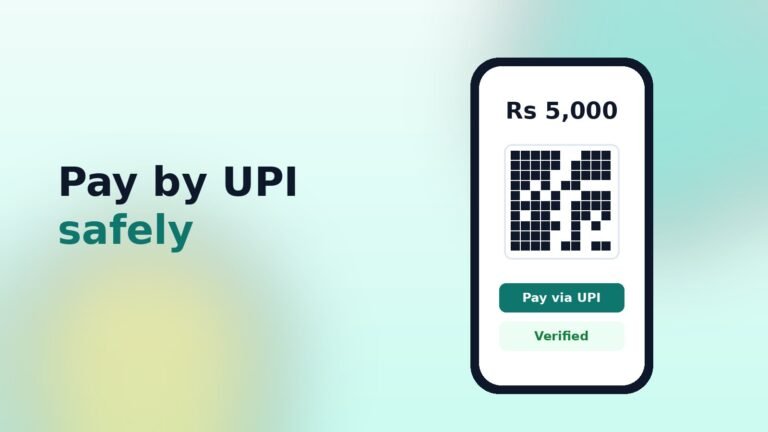
Your administrator adds the group’s UPI ID once. Every member then gets a QR code with their own amount and month filled in — no typing, no mistakes.
- Works with every UPI app
- Duplicate transaction references are blocked
- Reminders before and after the due date
- Optional payment screenshot, stored privately
See your kitty’s payout plan
Change the numbers — the schedule updates instantly. Illustration only.
Talk it through, right next to the records
Every kitty group gets its own private chat. Ask about due dates, share a payment screenshot or confirm a payout — without mixing it into your family WhatsApp group.
- Private to the members of each group
- Share photos and screenshots (location data removed)
- Opens as a pop-up on any page, on phone or desktop
- Admins can remove messages or switch to announcements only
Everything your kitty group needs to stay on the same page
Monthly contribution tracking
Every member sees what is due, when, and whether it has been verified.
QR & UPI instructions
Auto-generated UPI QR codes with the exact amount pre-filled.
Admin verification
Only verified payments count towards collections — no false “paid” states.
Fair payout order
Manual order or a one-time secure random draw, recorded with who ran it and when.
Transparent holdbacks
Holdback percentages are shown up-front and recorded as accounting entries.
Reminders & alerts
Due-date reminders, verification updates and payout notices for every member.
Easy member logins
Login ID or mobile number — share credentials on WhatsApp in one tap.
Reports & exports
Collections, payouts, ledger and audit log as CSV for your records.
Full audit trail
Corrections are new entries with reasons. Verified records are never silently changed.
Private group chat
Each group has its own chat with photo sharing, moderated by your administrator.
Reliable emails
Branded invitations, login details, reset links and alerts — sent through your own SMTP mailbox.
Security built in
Members never see WordPress admin. Logins, failed attempts and new admins are tracked.
Guides for running a fair kitty
 October 16, 2026
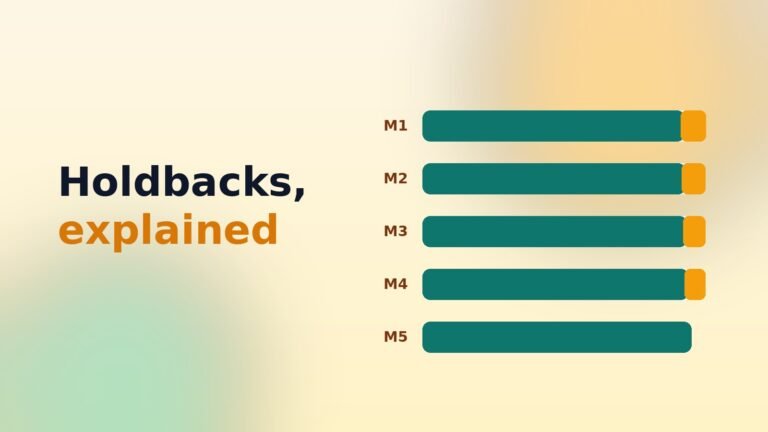
What is a holdback, and why do kitty groups use one?
A holdback is a small share of a payout kept back by the group. Here is how it…
October 16, 2026
What is a holdback, and why do kitty groups use one?
A holdback is a small share of a payout kept back by the group. Here is how it…
 October 15, 2026
Paying your kitty by UPI: a safety checklist
UPI makes kitty payments instant, but a wrong UPI ID or a fake request can cost you. Follow…
October 15, 2026
Paying your kitty by UPI: a safety checklist
UPI makes kitty payments instant, but a wrong UPI ID or a fake request can cost you. Follow…
 October 14, 2026
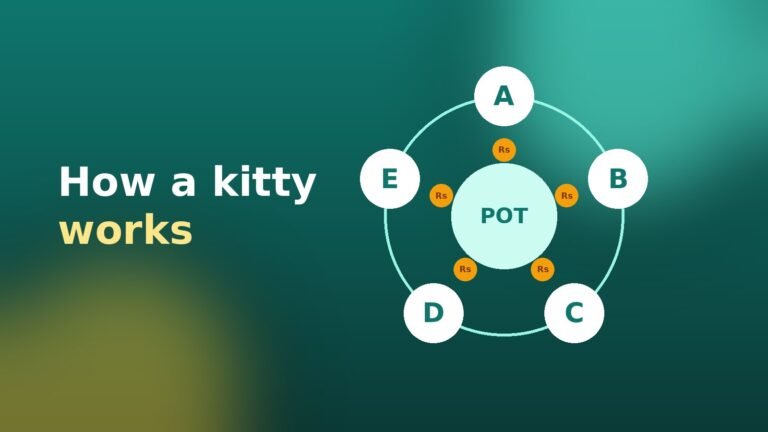
How a monthly kitty works (and how to keep it fair)
A kitty is a group of people who each put the same amount in every month, and one…
October 14, 2026
How a monthly kitty works (and how to keep it fair)
A kitty is a group of people who each put the same amount in every month, and one…
Frequently asked questions
Does KittyPay hold or move our money?
No. Members pay each other directly with any UPI app or bank transfer. KittyPay only keeps the record — who paid, what was verified and who received each payout.
How do members pay?
Each member sees a UPI QR code with their exact amount already filled in. They scan it with GPay, PhonePe, Paytm or BHIM, pay, and then enter the transaction reference (UTR) in the app.
When does a payment count?
Only after the group administrator checks it against the bank or UPI statement and marks it verified. Uploading a screenshot alone never marks a payment as paid.
How is the payout order decided?
The administrator either sets the order or runs a one-time secure random draw. The result, the time and who ran it are recorded, and the confirmed order is shared with every member.
What is a holdback?
Members who receive the pot early may have a small, agreed percentage held back (for example 2.5% in month one, reducing to 0% in the last month). It is shown up-front and recorded transparently.
Can group members chat with each other?
Yes. Every group has a private chat that opens as a pop-up inside the app. Members can send messages and photos (like payment screenshots); only that group’s members and its administrators can see it. Never share your UPI PIN or OTP in chat.
Do members need an email address?
No. The administrator creates a login ID and temporary password, and members can sign in with their login ID or mobile number. They set their own password at first login.
Clear records. Real trust.
KittyPay is a record-keeping tool. It is not a bank, payment processor or deposit-taking entity and never holds or transfers money. Holdbacks shown in KittyPay are accounting entries, not balances held by the app.