 admin
admin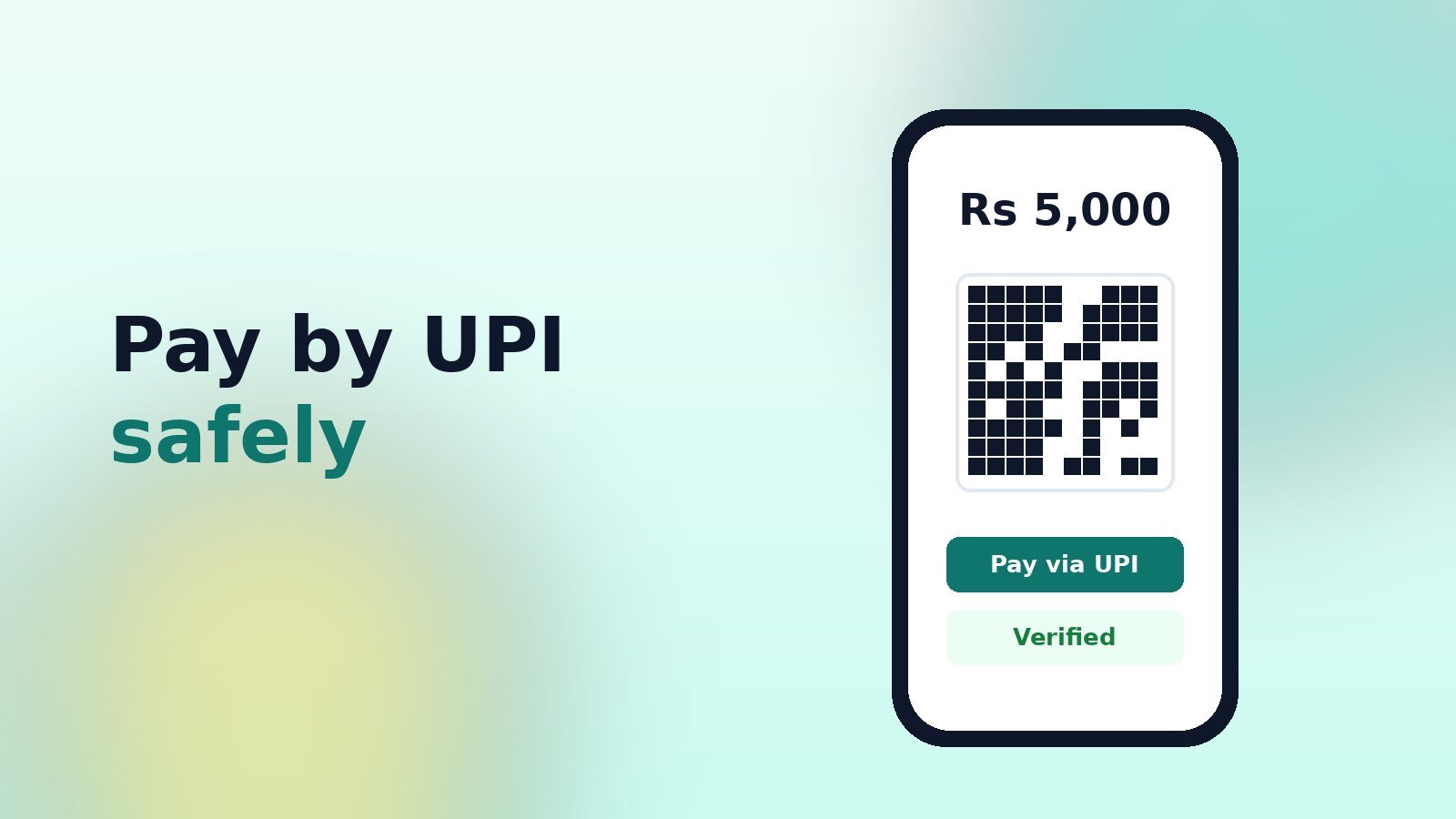
UPI is the easiest way to pay your monthly share: scan, enter your PIN, done. Because it is instant, mistakes are hard to undo. A few habits keep your money safe.
Before you pay
- Check the payee name your UPI app shows matches the group’s treasurer or collection account.
- Use the QR code or UPI ID shown inside your KittyPay group — not one forwarded in a chat.
- Check the amount. The QR in KittyPay pre-fills your exact share.
Never do these
- Never enter your UPI PIN to receive money. A PIN is only ever needed to send.
- Never share OTPs, your PIN or screen-sharing access with anyone, including “support” callers.
- Never approve a collect request you did not expect.
After you pay
Copy the 12-digit UPI reference (UTR) from your app and add it to your payment in KittyPay, with a screenshot if you like. The treasurer matches it with the bank statement and marks it verified. If something looks wrong, contact your treasurer straight away — and for a wrong transfer, raise a dispute in your UPI app and with your bank.
KittyPay will never ask for your UPI PIN, OTP or bank password — not by phone, chat or email.

Join the conversation